Password Protection with NordPass – Secure & Private Credential Management
If you’ve already used Fixyfier to clean, repair, and optimize your Windows system, you’ve handled performance.
Now it’s time to handle security at the account level.
A fast PC doesn’t protect your logins. And today, stolen passwords are one of the biggest causes of hacked accounts.
After comparing multiple password managers, NordPass stands out as the most practical choice for Windows users who want reliable, long-term protection without complexity.
Here’s what makes it worth considering — and whether it’s the right fit for you.

Why Password Security Is the Next Step After Optimizing Your PC
System cleanup improves performance — but it doesn’t stop account takeovers.
Most modern attacks don’t target your operating system directly. They target your credentials.
Common risks include:
- Reusing the same password across multiple websites
- Storing passwords in browsers without strong encryption
- Falling for phishing login pages
- Having credentials exposed in data breaches
Once a password is leaked, attackers use automated tools to try it everywhere else.
That’s how one small breach becomes a major problem.
A password manager changes the equation:
- Every account gets a unique, complex password
- Your credentials are stored inside an encrypted vault
- Logins are filled securely to prevent fake-site entry
- You eliminate the habit of weak or repeated passwords
If you’ve invested time improving your PC’s health, protecting your digital identity should follow.
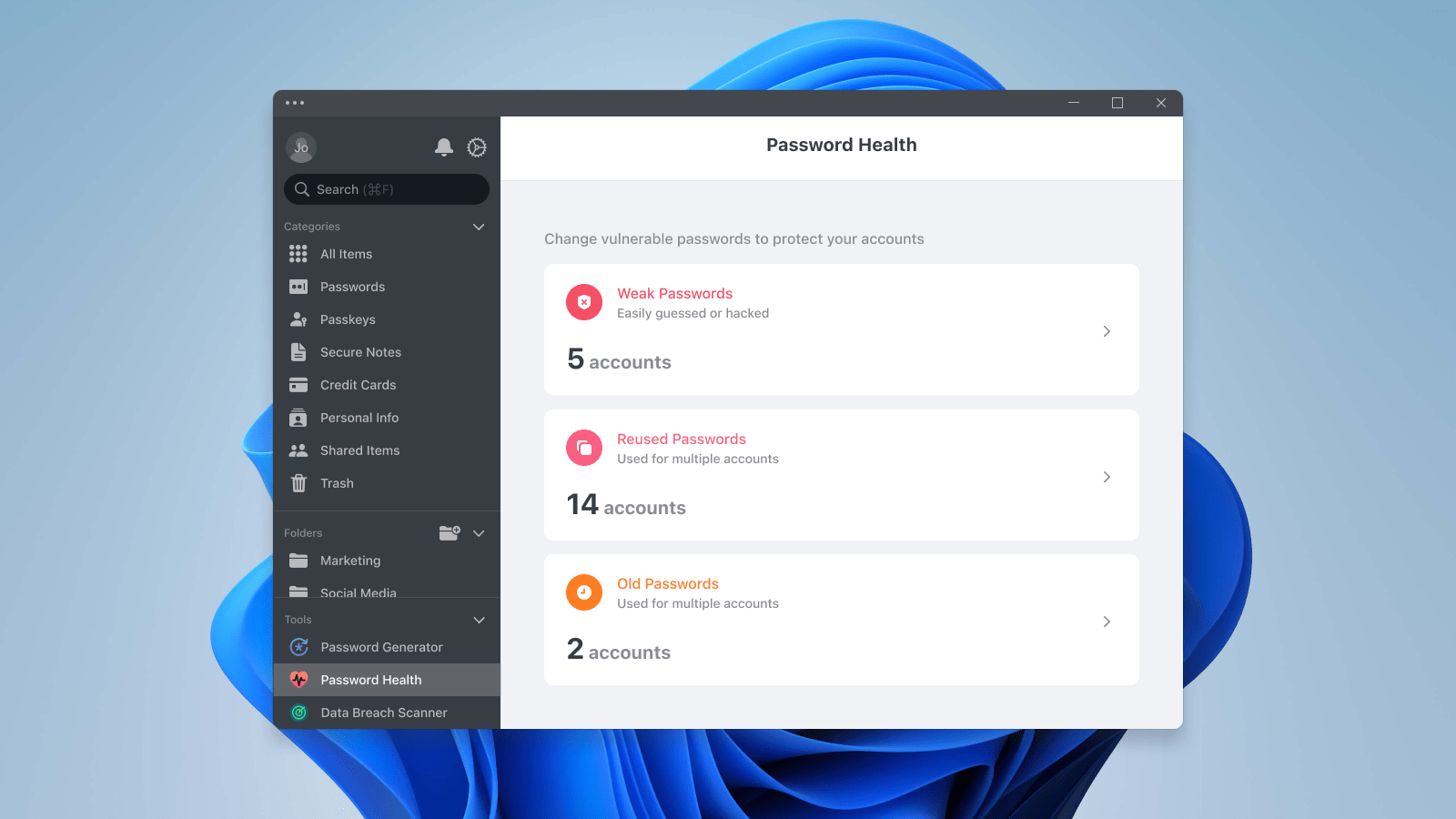
Added value with NordPass: Beyond storing passwords, NordPass scans for compromised credentials and highlights weak entries — helping you fix problems before attackers find them.
Why NordPass Makes Sense for Windows Users
There are many password managers available, but not all of them balance usability and security well.
NordPass does.
🔐 Security Designed Around Privacy
NordPass uses modern XChaCha20 encryption and a zero-knowledge structure.
That means:
- Your vault is encrypted before leaving your device
- No one — including NordPass — can view your stored data
- Your information remains private even in the event of a server breach
This is real encryption, not basic browser storage.
⚡ Smooth Daily Use Without Friction
Security tools shouldn’t slow you down.
NordPass is built for:
- Instant login autofill
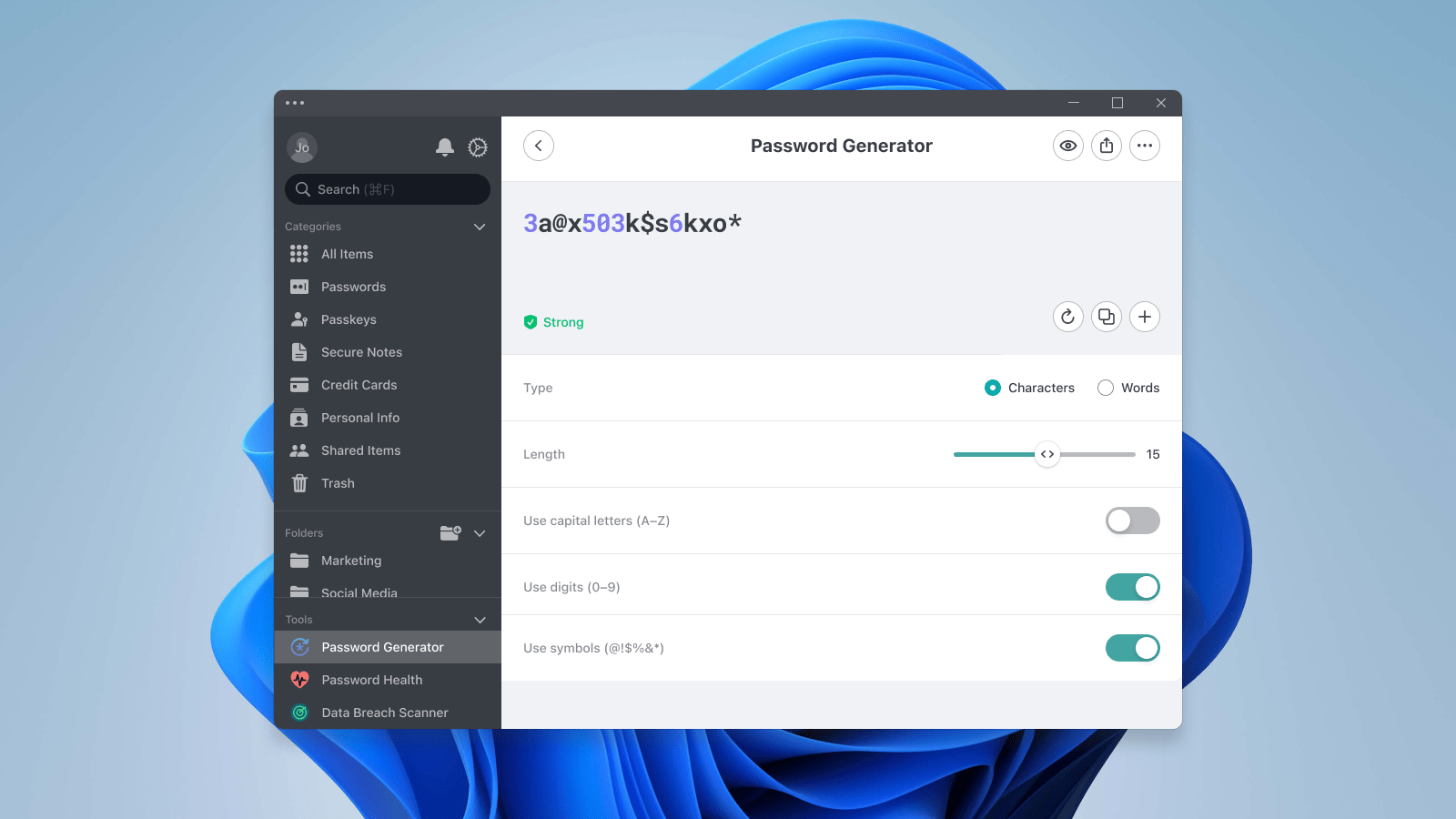
- Quick password generation
- Seamless syncing across devices
- Fast vault access
It works quietly in the background without interrupting your workflow.
🖥️ Clean, Simple Windows Experience
The Windows app is straightforward:
- Install in minutes
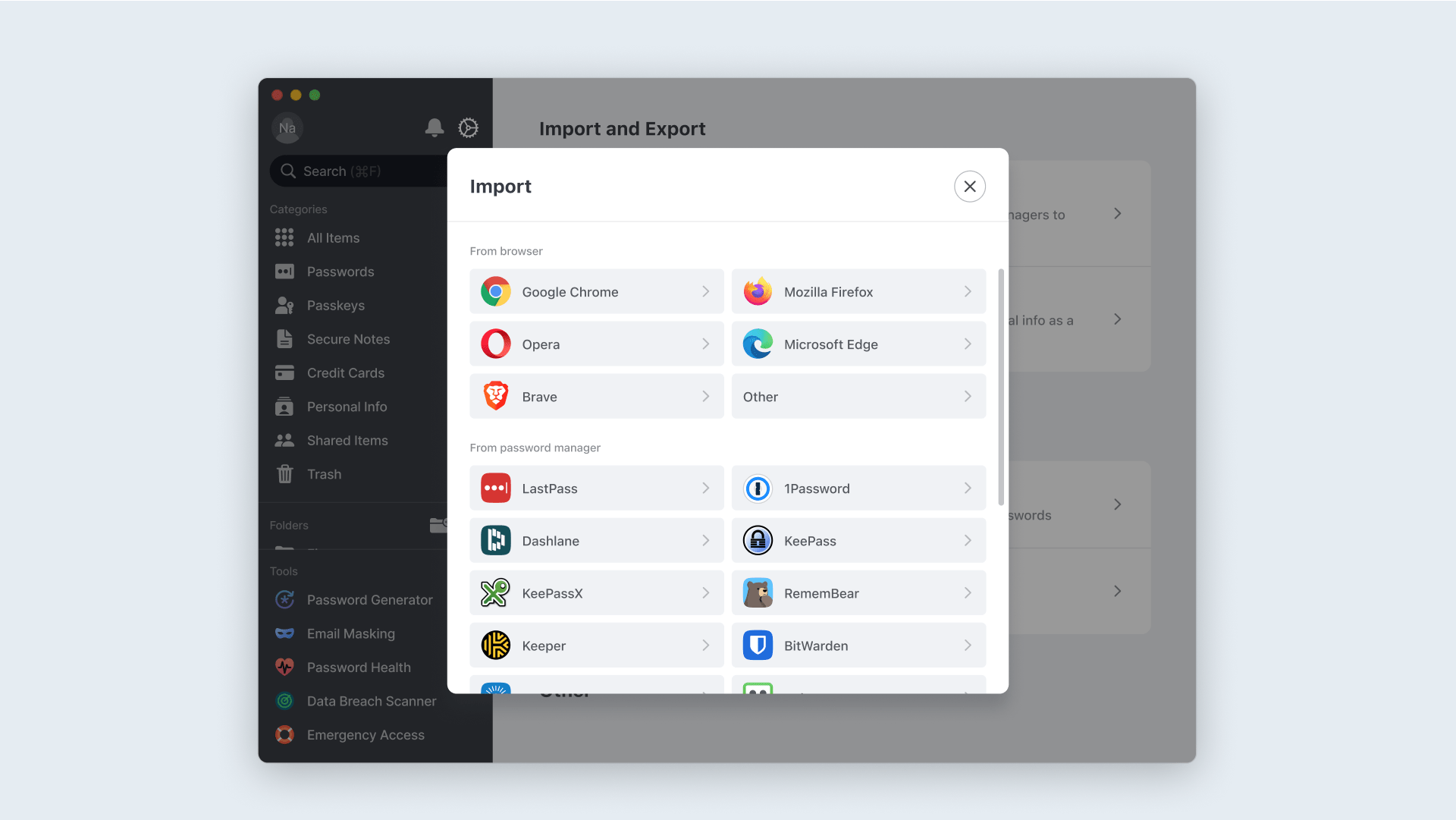
- Import existing passwords easily
- Access everything from a clear dashboard
No technical setup required.
🛡️ Advanced Tools for Extra Protection
Beyond basic storage, NordPass includes:
- Password Health reports
- Breach monitoring alerts
- Secure credential sharing
- Multi-factor authentication compatibility
These features go beyond convenience — they actively reduce risk.
Pros & Cons
✅ Pros
- Strong encryption with zero-knowledge security
- Fast and intuitive on Windows
- Syncs across desktop and mobile devices
- Easy import from browsers
- Breach detection and password health insights
- Developed by an established cybersecurity team
❌ Cons
- Premium features require a subscription
- Cloud-based vault may not appeal to offline-only users
- Advanced tools may be unnecessary for very light users
How NordPass Complements Fixyfier
NordPass focuses on account and identity protection.
One improves how your PC runs.
The other protects what you log into.
Together, they cover both system health and digital security.

Final Verdict
If your goal is to prevent account takeovers, eliminate weak passwords, and simplify login security on Windows, NordPass is a smart, reliable solution.
It’s secure without being complicated — and strong enough for everyday use.