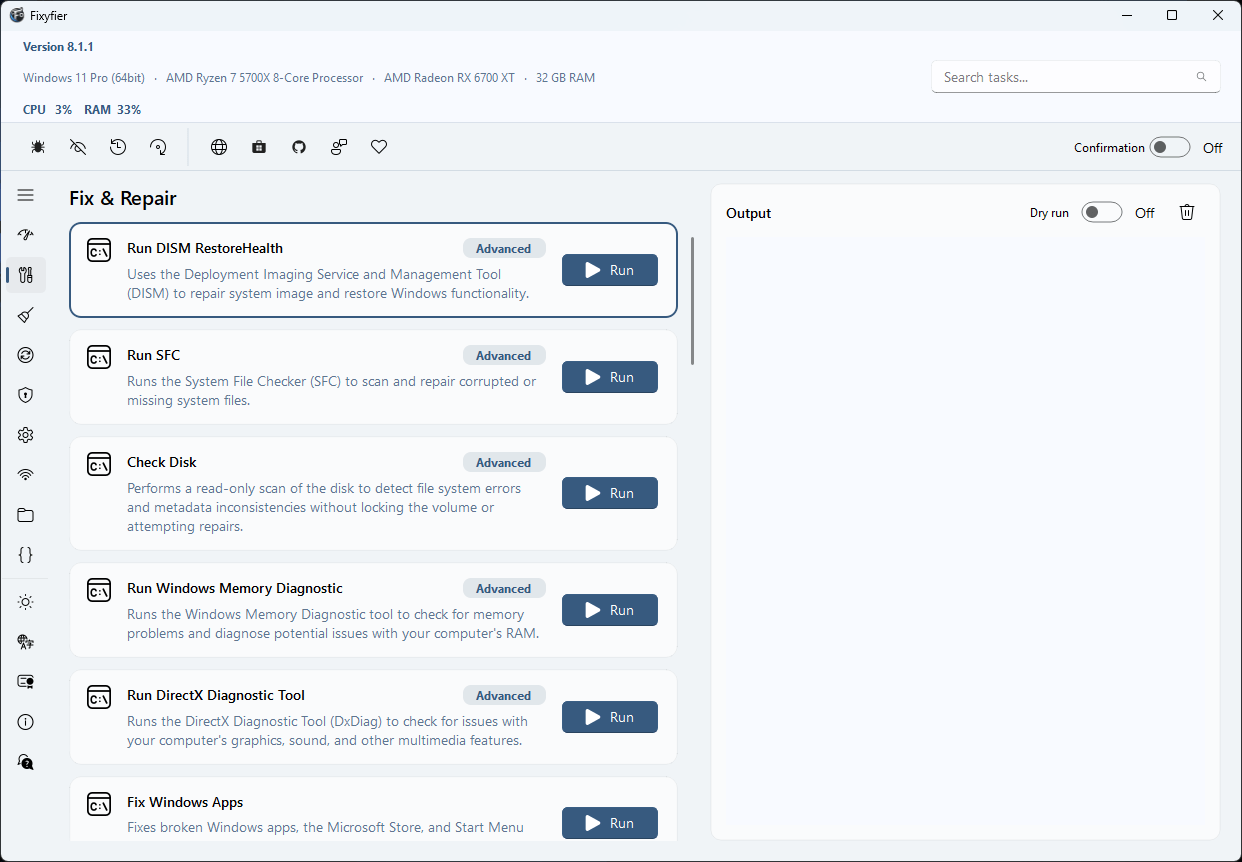
Fixyfier Won't Open? (Windows Update Glitch)
If Fixyfier instantly closes upon launch or fails to open at all, please be assured that this is not an app defect. Recent Windows Cumulative Updates have introduced a confirmed system bug that corrupts the Windows app deployment layer (AppXDeployment-Server), preventing some Microsoft Store (MSIX) packages from initializing properly.
You can easily fix this system issue on your PC in just 2 seconds by re-registering the application container.
Steps
- Right-click the Windows Start button and select Terminal (Admin).
- Copy the command below, paste it into the PowerShell window, and press Enter.
Get-AppXPackage -AllUsers -Name "*Fixyfier*" | Foreach {Add-AppxPackage -DisableDevelopmentMode -Register "$($_.InstallLocation)\AppXManifest.xml"}Note: This safe command strictly targets Fixyfier. It only resets the local Windows app registration layer and will not delete your data or affect any other applications.