
A Day Without Interruptions: How Fixyfier Keeps Watch
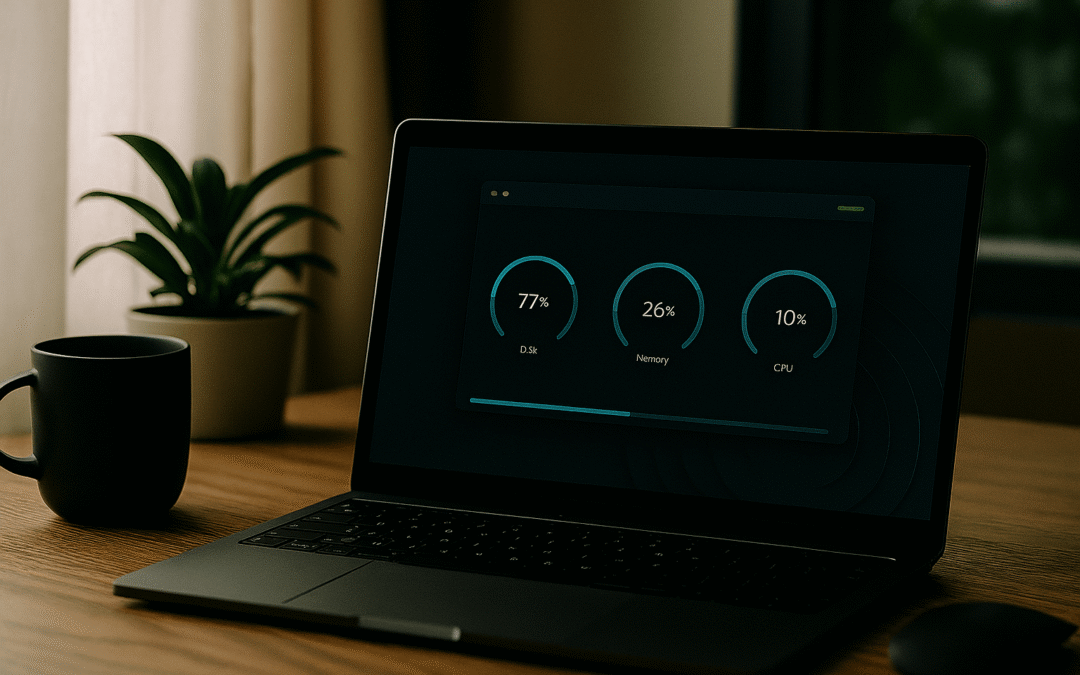
Fixyfier isn’t about repairing systems on its own. It’s about monitoring the essentials—uptime, resource usage, and capacity—and letting you know when something needs attention. Maintenance begins with awareness, and Fixyfier delivers that awareness without noise.

Morning: Checks That Don’t Slow You Down
As your system starts, Fixyfier runs its scheduled checks.
- System uptime is logged.
- Temporary file size is measured.
- RAM and CPU usage are benchmarked.
- Disk capacity is tracked.
No interruptions, just quiet monitoring.
Midday: Staying Ahead of Resource Spikes
While you work, Fixyfier keeps an eye on performance. If RAM or CPU usage climbs too high, it doesn’t intrude—it simply pops a toast notification. You decide what action to take.
Afternoon: Capacity Awareness
Disk space and temp files can creep up unnoticed. Fixyfier flags them before they become a problem, giving you the chance to clear space or adjust workflows proactively.
Evening: Uptime Insights
Long sessions can strain systems. Fixyfier notes uptime and alerts you if thresholds are exceeded, helping you plan restarts or maintenance windows on your terms.
Final Thought: Monitoring That Respects Your Workflow
Fixyfier doesn’t fix things for you—it respects your autonomy. By quietly monitoring and surfacing issues through subtle toasts, it ensures maintenance is informed, predictable, and always under your control.
Related Posts
How to Speed Up Windows 10/11 (Complete Guide)
How to Speed Up Windows 10/11 (Complete Guide)Windows 10 and 11 are powerful operating systems, but over time they can...

Linux Mint: A Quiet Powerhouse for Everyday Computing
Linux Mint: Lightweight, Reliable, and Built for Everyday UseLinux Mint has earned a reputation as one of the most...